


Talk
Make Cheaper International Calls to Any Mobile or Landline Phone!


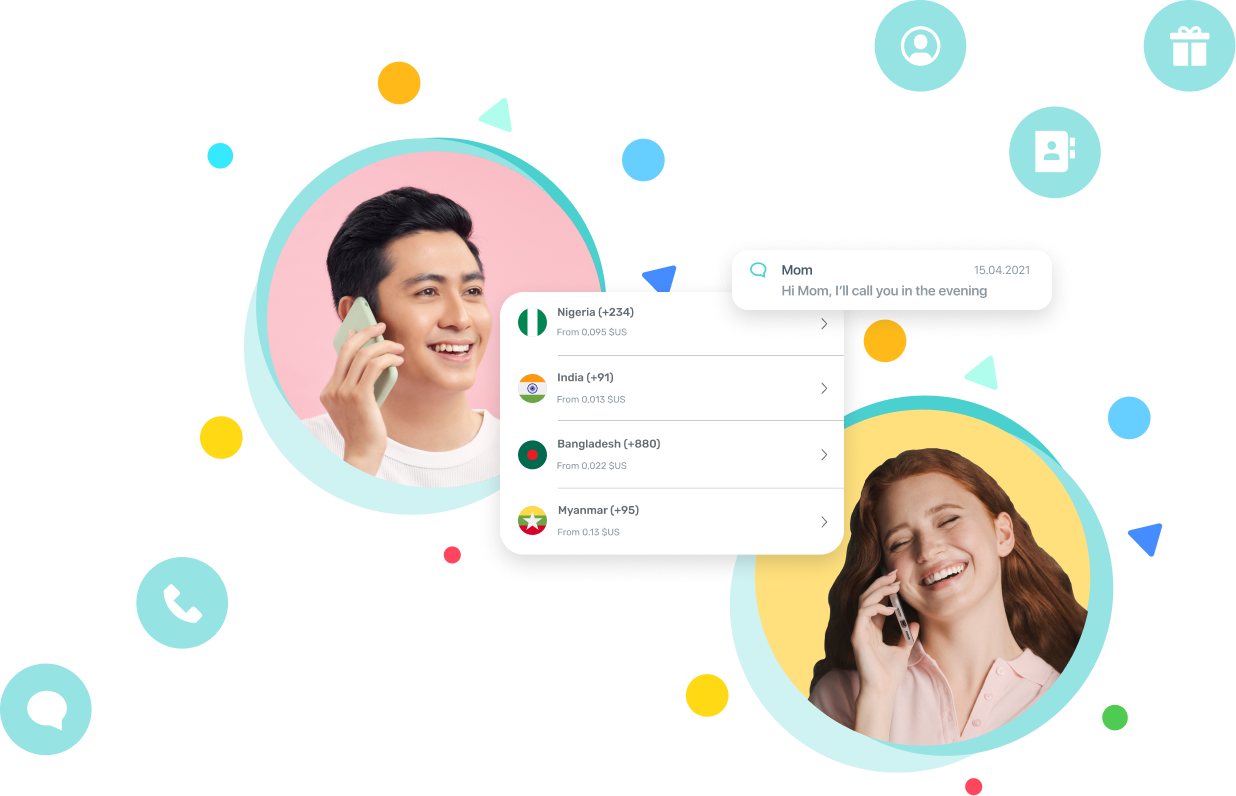


International Сalling App That Keeps Your Phone Number
Are you abroad and need to make calls? Be yourself – keep your existing phone number and still be able to make cheap international calls. Yolla is an app that gives you a unique international calling experience.
Despite the obvious cases in which you can call app-to-app for free, we all face moments when we need to dial an international number that does not have Viber or WhatsApp installed. From booking a table at a restaurant to calling your friends who haven’t connected to Wi-Fi yet – there are plenty of situations where Yolla is a lifesaver.
Imagine: your bank card gets blocked and you need to call a bank from your original number. Or your roaming connection failed and all you have is Wi-Fi to call your mobile carrier.
Need to call your airline for help with plane ticket issues? Calling a government office?
Yolla is here to help you stay connected so that life doesn’t get in your way!
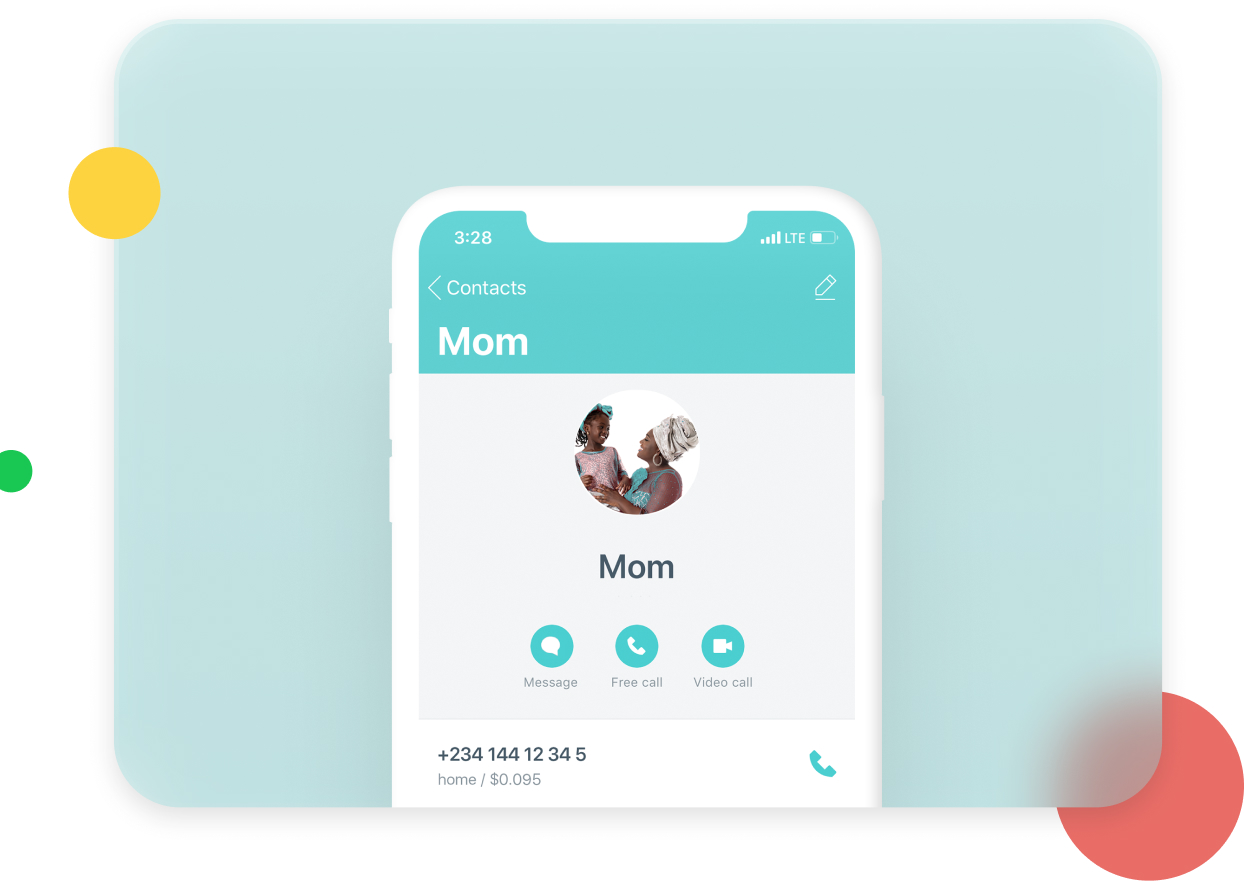
Cheap International Calls and More
-

Call Abroad For Less
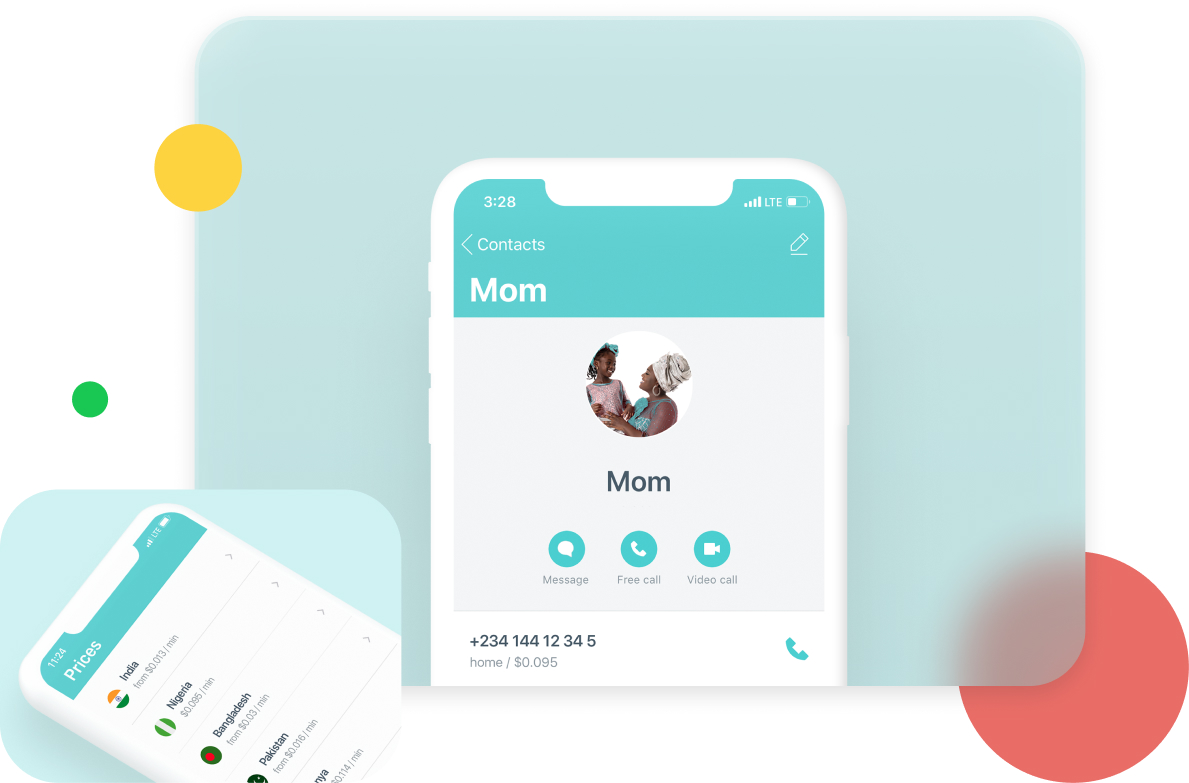
Are you used to spend a fortune on calling overseas? Manage your wallet wisely – make cheap international calls with Yolla! Call India, call Ethiopia and make cheap calls to Nigeria as well as to any other country. International dialing has never been easier!
-

See Rate Before Calling
With Yolla you see the accurate and total price per minute the moment you dial the international number you need. No hidden charges and connection fees: pay the sum shown on your screen!
-

Call Any Phone Worldwide
The people you call require neither the Yolla mobile app nor a smartphone! Any device made for phone calls will accept a call from Yolla. Call abroad whenever you need!
-

Send Mobile Top-Ups and Yolla Credits
Yolla allows you to top up any mobile number in 148 countries with low fees and no hidden charges. You can also top up friends' Yolla accounts if they don't have card or PayPal.


We are rated at 4.7 and 4.5 on Google Play and App Store
Frequently Asked Questions
-
What is Yolla and why should I use it?
1. Android users can enable mobile phone billing in the Google Play app.
Open the Google Play app > My Account > Add payment method > Enable 'your carrier' billing.
Your carrier needs to be supported by Google Play (for example, Mobily, STC, and Zain are supported in Saudi Arabia).
See the list of supported mobile operators (Direct carrier billing > Direct carrier billing availability).
2. Lorem ipsum dolor sit amet consectetur adipisicing. payment method supported by Apple, including PayPal, Alipay, UnionPay, and mobile phone billing (through supported carriers). -
Which calls are free?
1. Lorem ipsum dolor sit, amet consectetur adipisicing elit. Temporibus, atque quibusdam. Veritatis delectus quam, cum iste ipsa laudantium amet. Pariatur incidunt quasi atque cupiditate deleniti itaque aliquam id esse hic. Open the Google Play app > My Account > Add payment method > Enable 'your carrier' billing. Your carrier needs to be supported by Google Play (for example, Mobily, STC, and Zain are supported in Saudi Arabia). See the list of supported mobile operators (Direct carrier billing > Direct carrier billing availability).
2. Apple iOS users can set up an alternate payment method supported by Apple, including PayPal, Alipay, UnionPay, and mobile phone billing (through supported carriers). -
I don't have a bank card. How else can I buy credits?
1. Android users can enable mobile phone billing in the Google Play app. Open the Google Play app > My Account > Add payment method > Enable 'your carrier' billing. Your carrier needs to be supported by Google Play (for example, Mobily, STC, and Zain are supported in Saudi Arabia). See the list of supported mobile operators (Direct carrier billing > Direct carrier billing availability).
2. Lorem ipsum dolor sit amet, consectetur adipisicing elit. Quae porro nemo officiis et quo. payment method supported by Apple, including PayPal, Alipay, UnionPay, and mobile phone billing (through supported carriers). -
How can I get free credits?
1. Lorem ipsum dolor sit amet consectetur adipisicing elit. Nostrum consequuntur facilis, consequatur laudantium reprehenderit eligendi aut? Quasi asperiores enim deleniti.
Open the Google Play app > My Account > Add payment method > Enable 'your carrier' billing. Your carrier needs to be supported by Google Play (for example, Mobily, STC, and Zain are supported in Saudi Arabia). See the list of supported mobile operators (Direct carrier billing > Direct carrier billing availability).
2. Apple iOS users can set up an alternate payment method supported by Apple, including PayPal, Alipay, UnionPay, and mobile phone billing (through supported carriers).
Get Yolla app to start calling
Scan this QR code to download
Yolla from Google Play or App Store:





Chat with Yolla - International Call...
Typically replies within a day
Hi! How can we help you?
Log into Messenger Continue as GuestBy continuing as a guest, you agree to Facebook's TermsTerms. Learn how we collect, use and share your data in our Data Policy and how we use cookies and similar technology in our Cookies Policy.
This app ia AMAZING! I call my mom in Chile, my friends from Peru, I call Venezuella. Super cheap and amazing service.
Luzmar Giraldo
This app ia AMAZING! I call my mom in Chile, my friends from Peru, I call Venezuella. Super cheap and amazing service.
Luzmar Giraldo
This app ia AMAZING! I call my mom in Chile, my friends from Peru, I call Venezuella. Super cheap and amazing service.
Luzmar Giraldo
This app ia AMAZING! I call my mom in Chile, my friends from Peru, I call Venezuella. Super cheap and amazing service.
Luzmar Giraldo